Create and manage a project
Projects keep samples, experimental groups, collaborators, and analysis runs together. From Projects, choose New project.
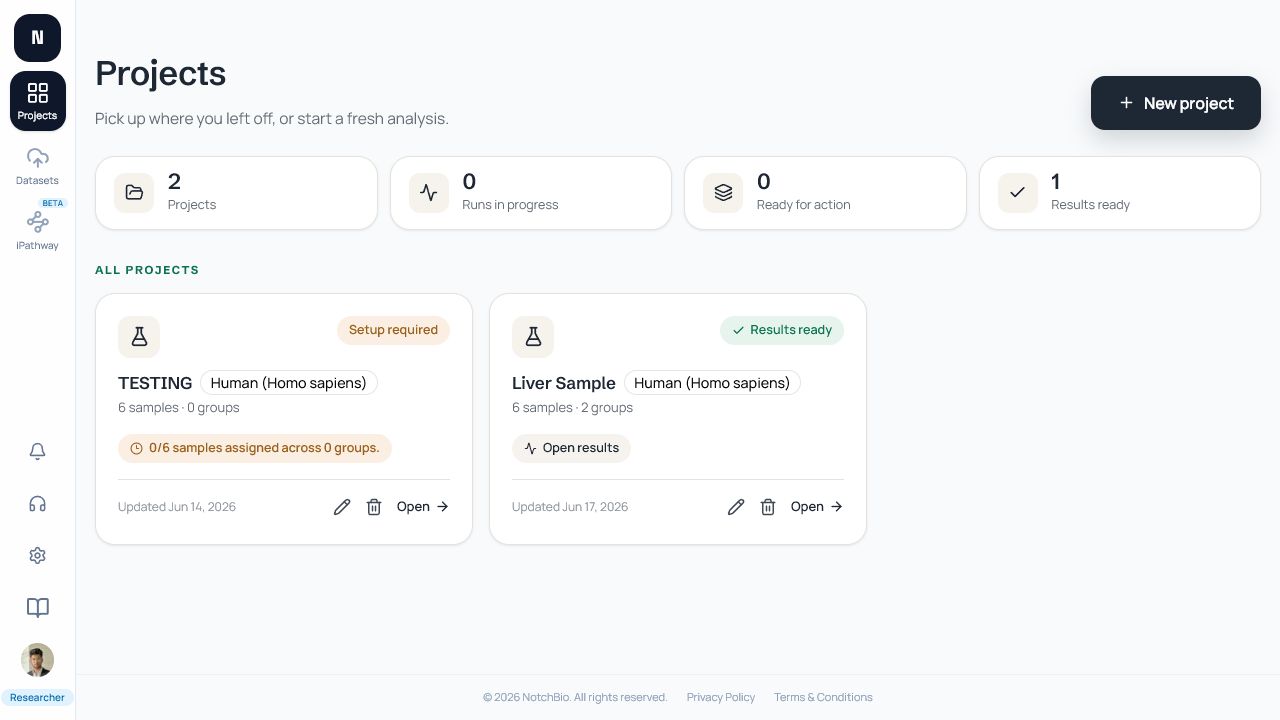
Create the project
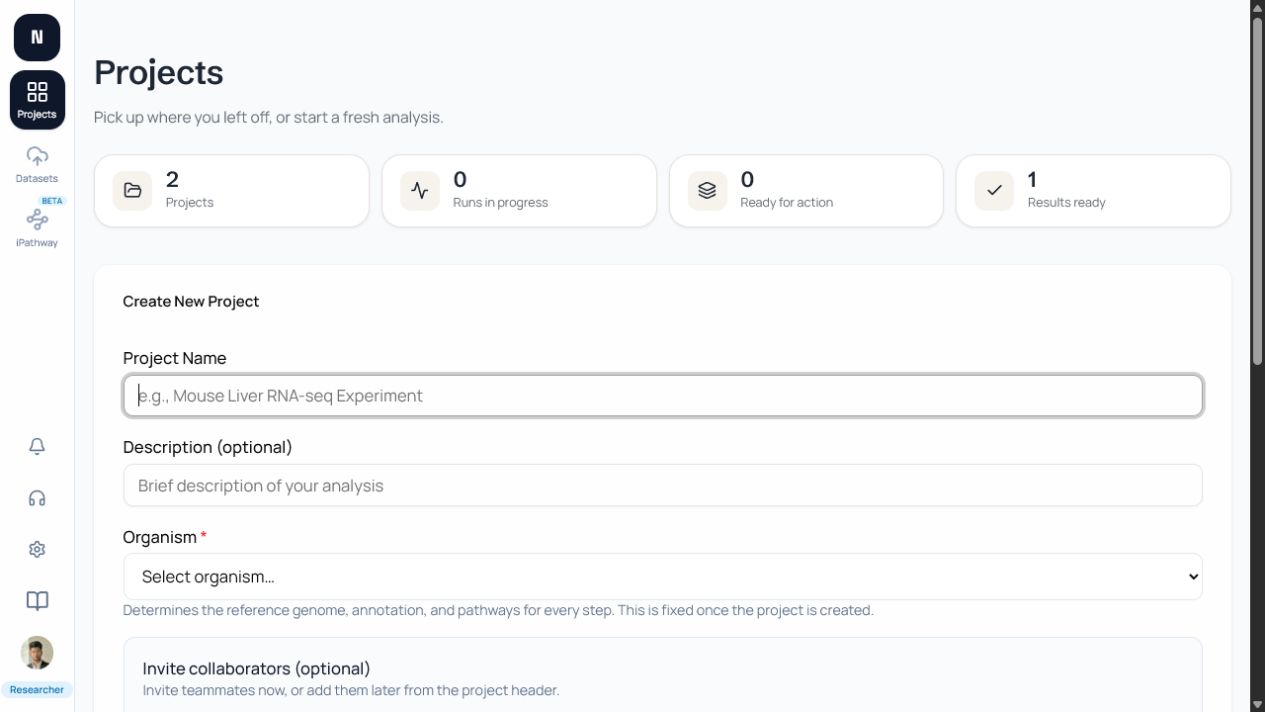
Section titled “Create the project”Enter a name, optional description, and organism. The organism is required and is fixed after creation because it determines the reference and downstream interpretation used by the pipeline. Choose carefully before creating the project.
You can add collaborator invitations while creating the project or later from the project collaboration control.
Add datasets
Section titled “Add datasets”Open the project Samples tab and choose Add Samples. Select an existing account dataset or start an upload/archive/provider import. Imported files remain reusable at the account level; the project decides which samples participate in its groups and runs.
Manage the project
Section titled “Manage the project”Owners can edit the project name and description, manage collaborators, and start analysis runs. Keep the description specific enough that collaborators can identify the experiment and intended comparison.